



Professional Quality
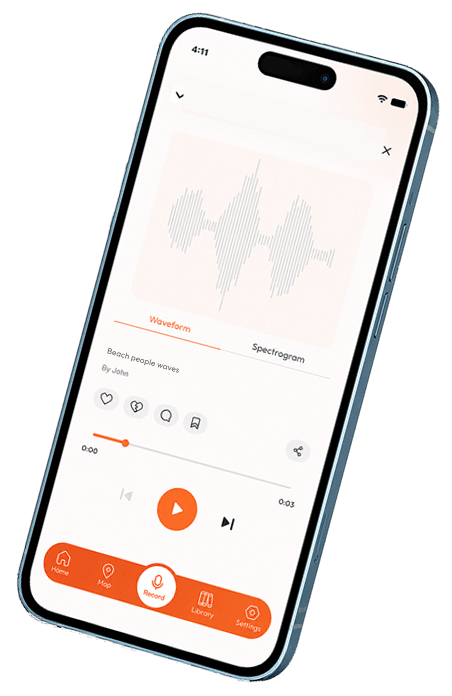
The audio recorder, editor & mixer app lets you record professional quality audio. Upload up to 10 sounds for free.
The audio recorder, editor & mixer app lets you record professional quality audio. Upload up to 10 sounds for free.

Clean, modern interface with light and dark mode.

Capture any moment in one tap, pin it to the map, and share instantly.

Record sounds even without internet. They sync automatically when you’re back online.

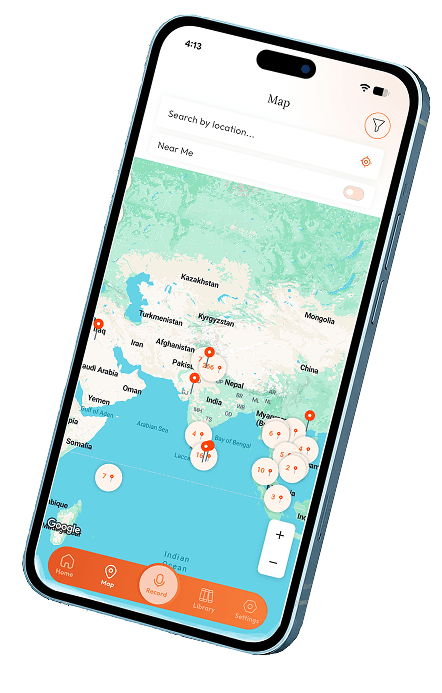
Discover and explore sounds from around the world. Your recordings become part of the shared sonic map.
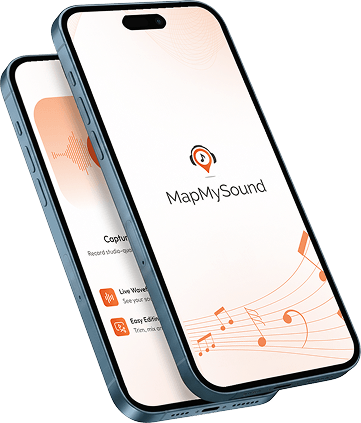
MapMySound is a powerful mobile app that lets you record, edit, mix, and share high-quality sounds from anywhere in the world. Pin your recordings to an interactive global map, explore sounds from the community, view spectrogram analysis, and build your personal sonic library.
Unlock unlimited uploads and advanced tools:
I once walked the streets of my neighborhood in Dallas, recording the hidden symphony of daily life — the distant hum of traffic, birdsong between buildings, the quiet rhythm of footsteps. Through that listening, I felt how deeply sound shapes memory, emotion, and belonging.
One night, the answer came to me in a dream. I saw a simple way for sounds to travel — to be held, shared, and remembered across distances. I woke, sketched it on a notepad by my bed, and knew I had to bring it into the world.
Map My Sound was born from that dream: a living map where the wind through olive trees in Aegina can reach someone far away, where rain on a shipyard roof can be heard by a stranger across the ocean, and where every voice, every silence, every sound you choose to keep becomes part of a shared human story.
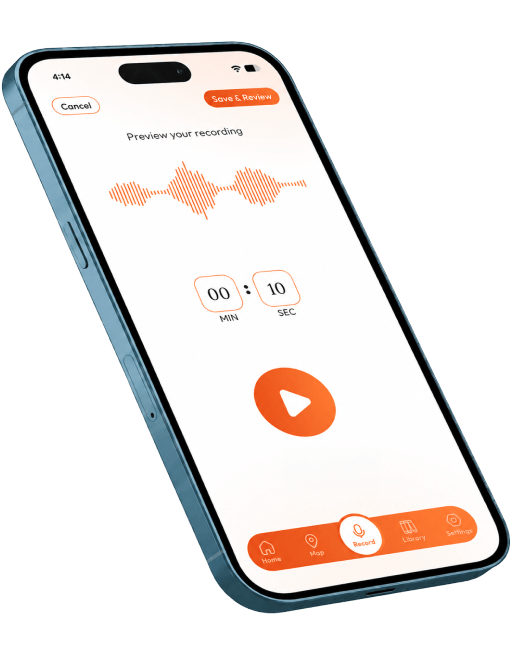
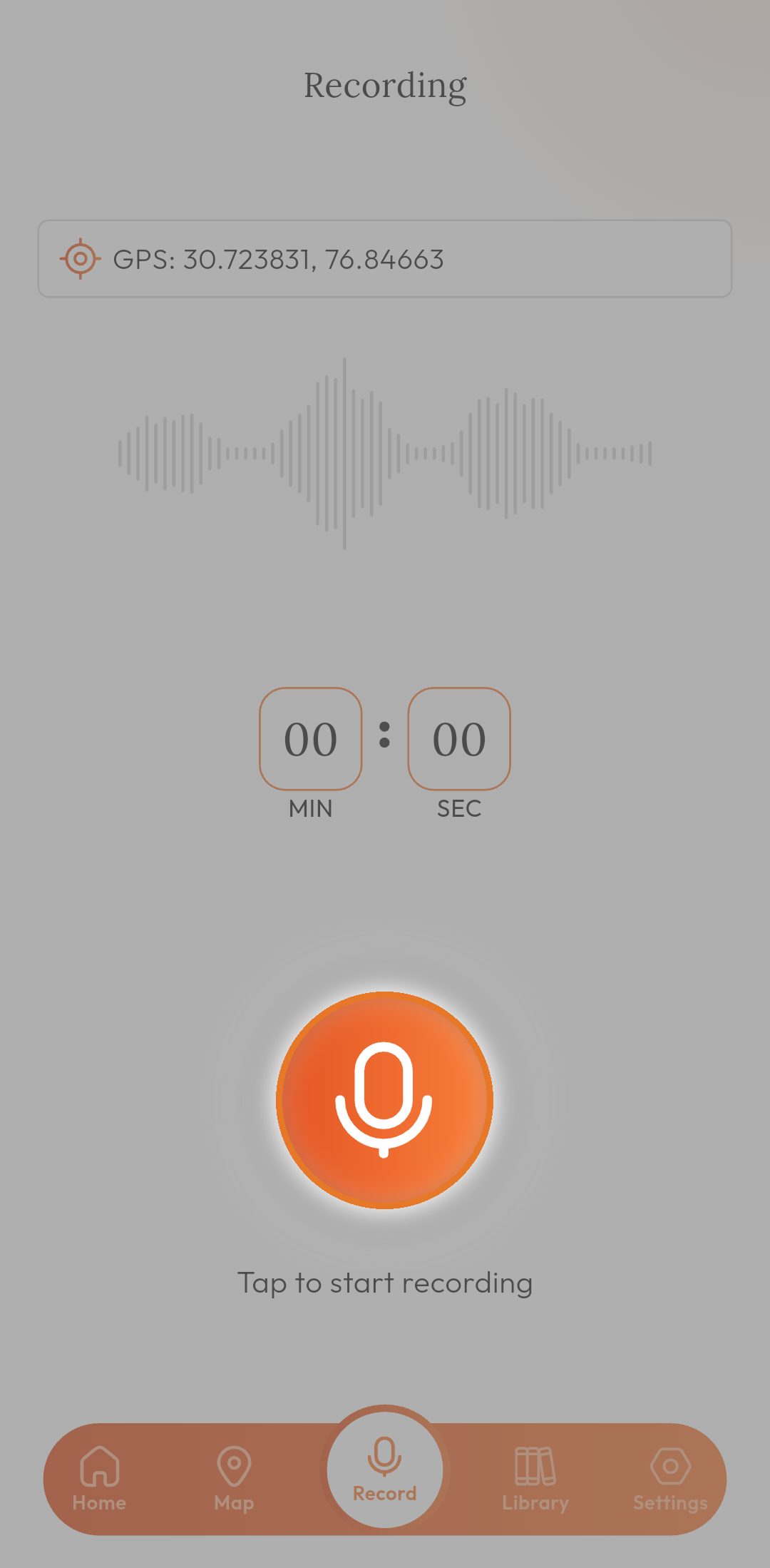
Tap to capture any sound in high quality (works offline).
Trim, append, or creatively layer multiple recordings.
Give your sound a name, description, and category.
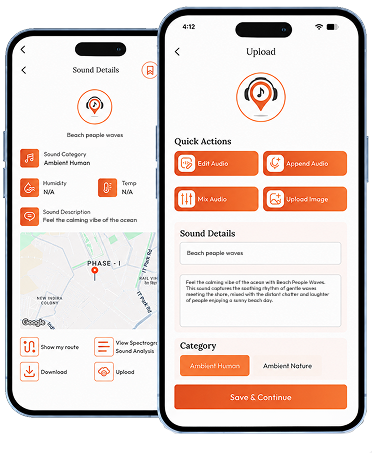
Share it with the world on the global map.
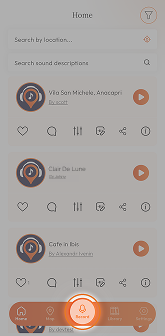
Listen to sounds from other users and bookmark your favorites.

It’s easy to find the audios you’re looking for with rich search results.

Share your audios with friends, groups and social networks.

Save your favorite audio to list, so that you can easily access them later.

Categorize into different topics.

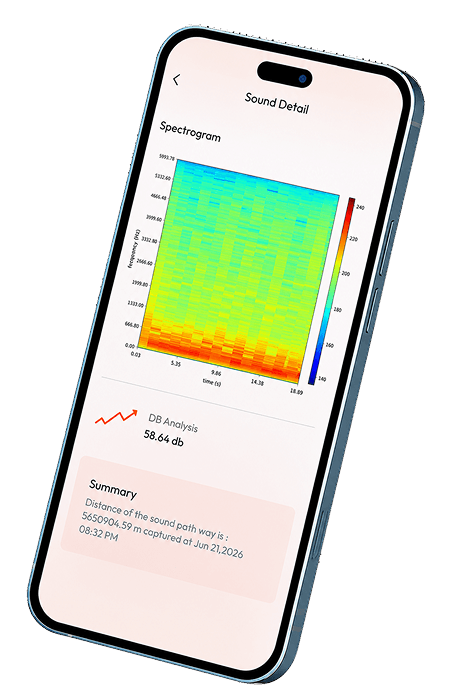
Calculates the distance of the sound pathway and DB Analysis (Premium after 10 free uploads).

Add your comments about the audio.

Record sounds even without internet. They sync automatically when you’re back online.
You can record and upload up to 10 sounds for free. Premium unlocks unlimited uploads and advanced features like full spectrogram analysis.
Open any sound, go to Sound Details, and tap the bookmark ribbon icon (top right).
These are recordings saved on your device when you’re offline. They sync to the cloud when you’re back online.
Tap Sign Up on the login screen. Enter your email, create a password (8–12 characters), and confirm it. Complete your profile with your name, phone number, gender, country, city, and a short description.
Enter your registered email and password. If you don’t have an account, tap “Don’t have an account? Sign up”.
Tap “Forgot Password?” on the login screen, enter your email, and follow the link sent to your inbox to reset it.



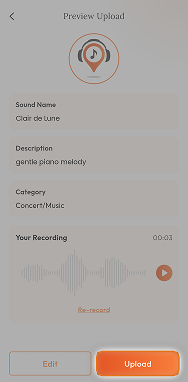

Record in a quiet place for the best quality. Your first recording will be automatically pinned to the map.

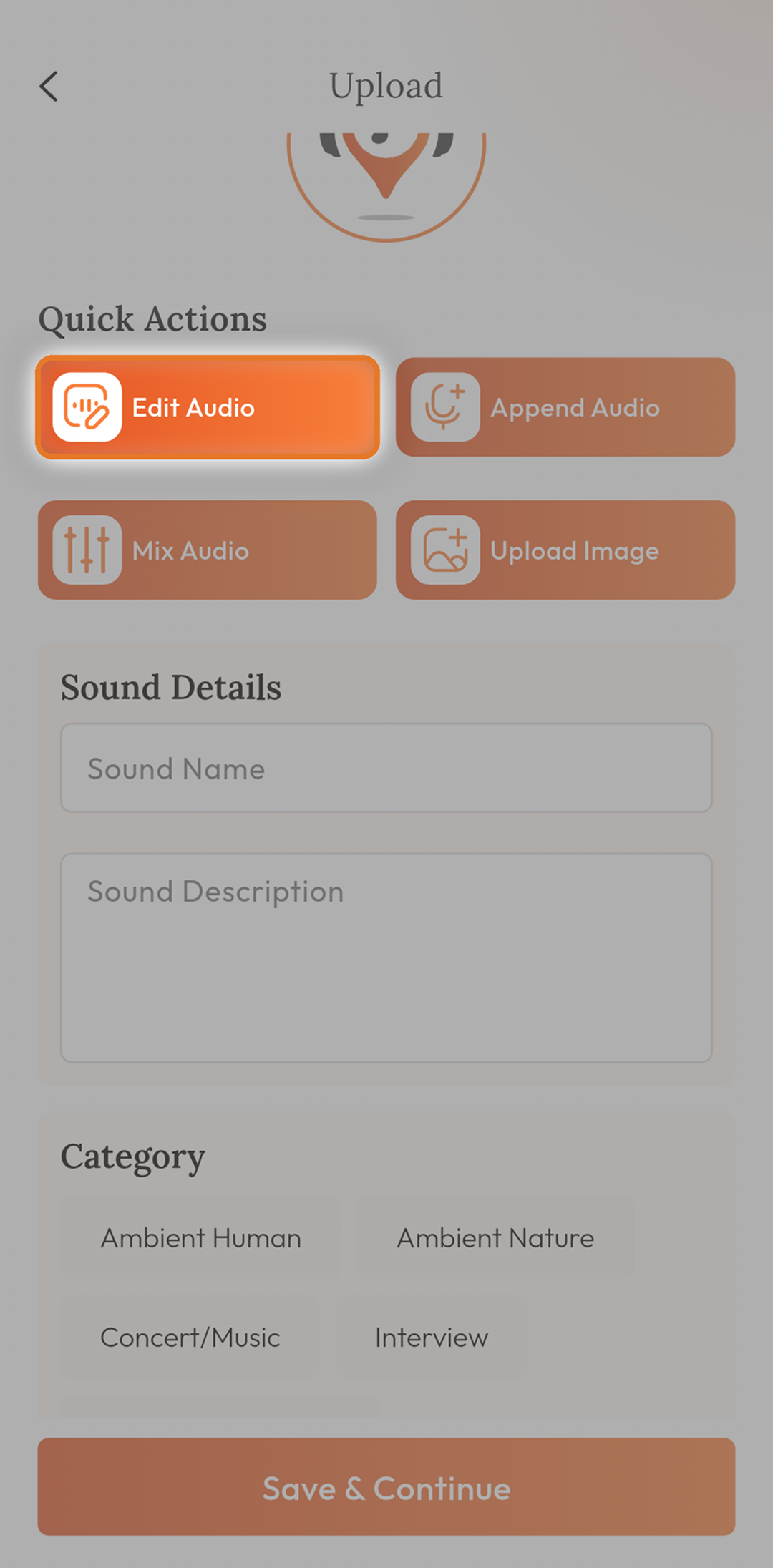

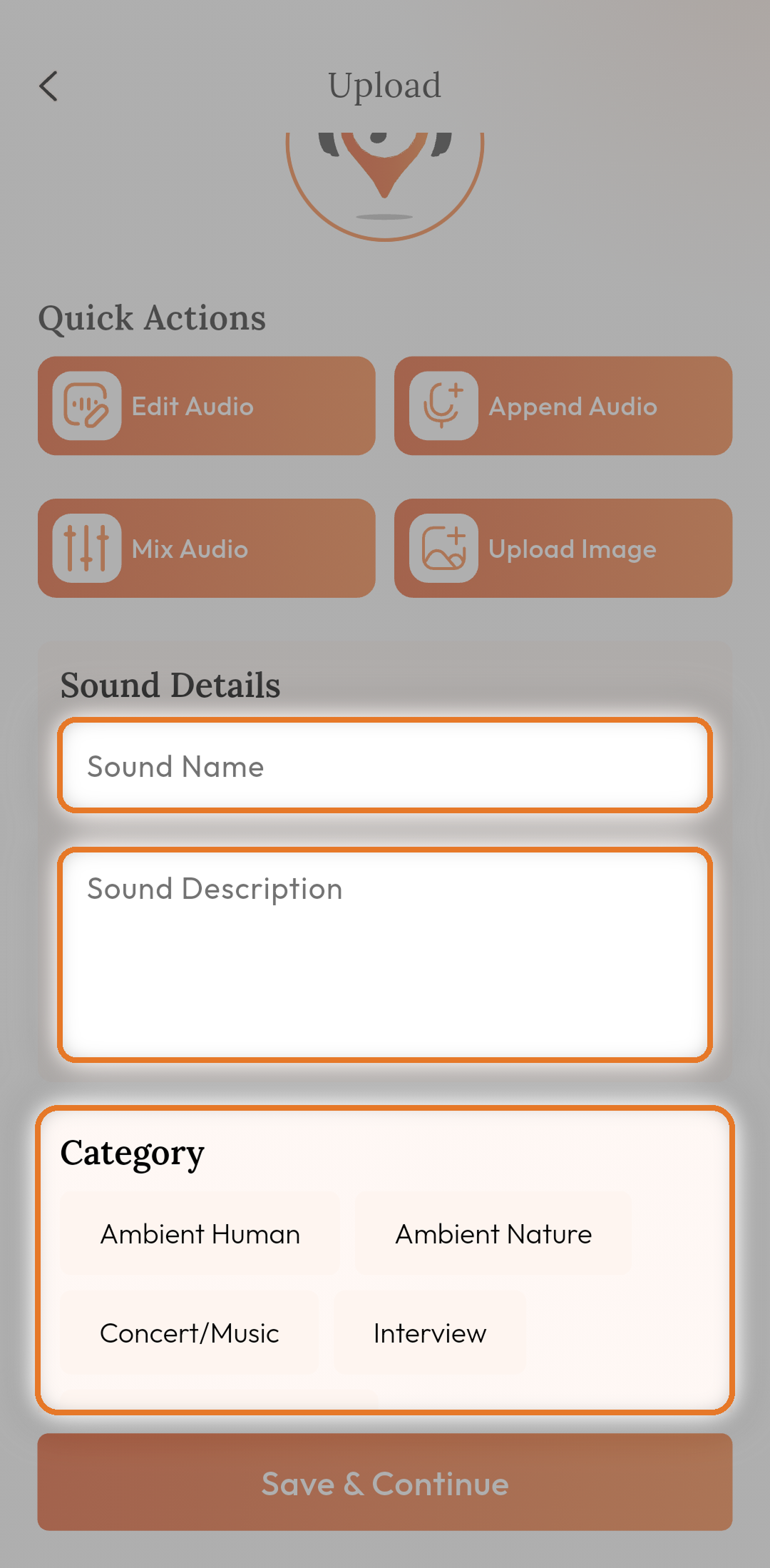
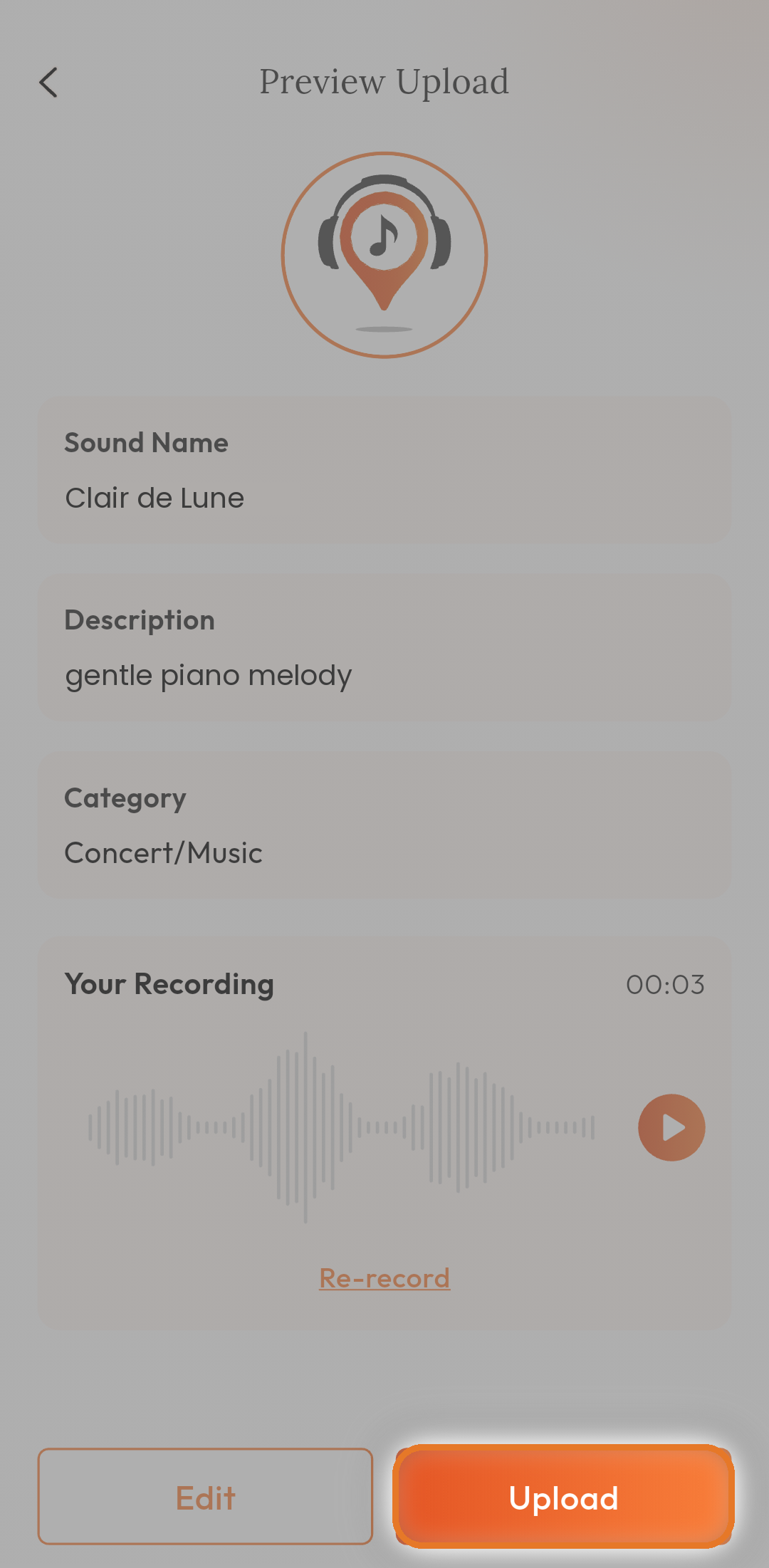
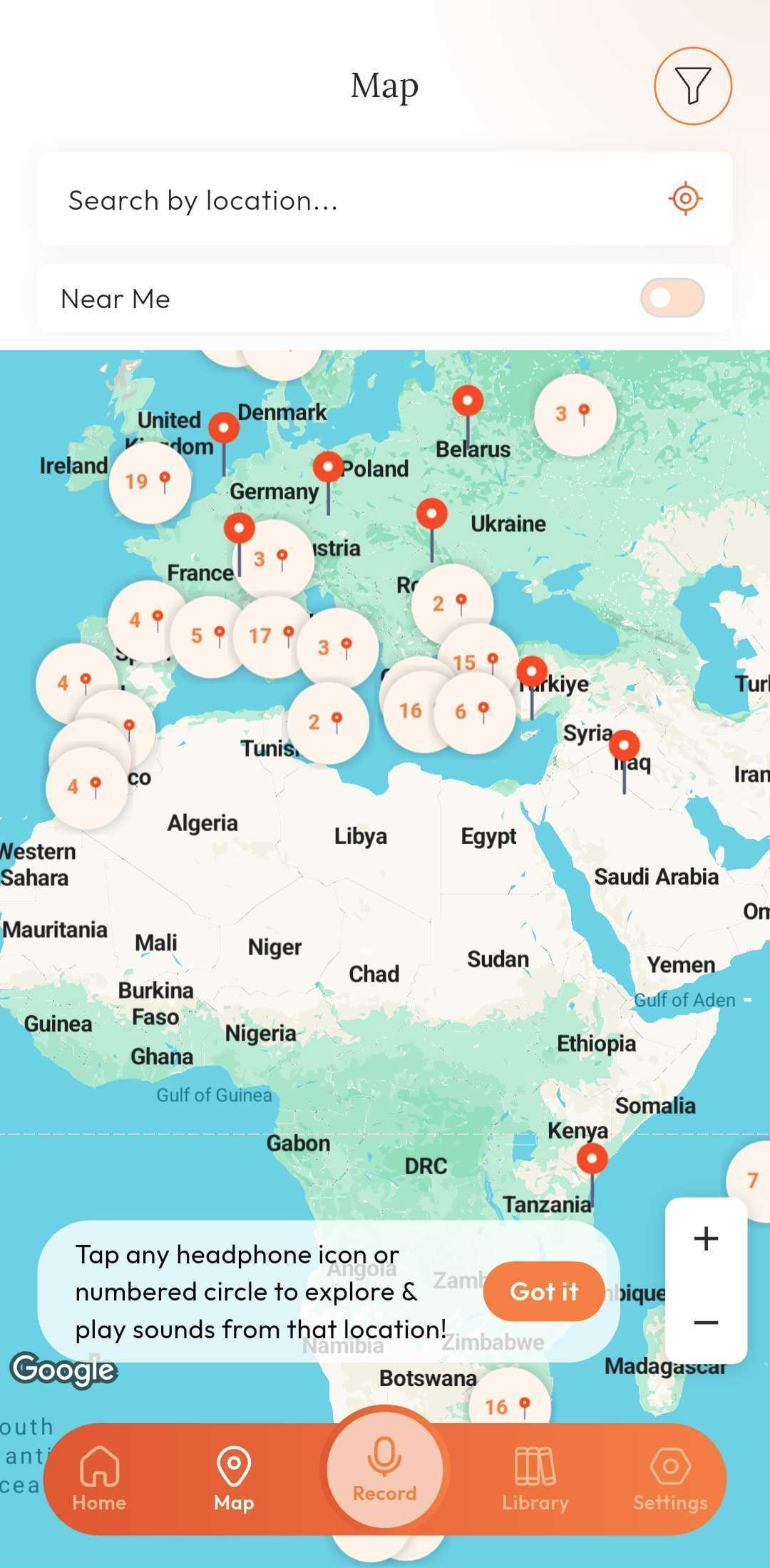
Use a descriptive name and category so other people can easily find and enjoy your recording. Good descriptions make your sounds more valuable to the community.

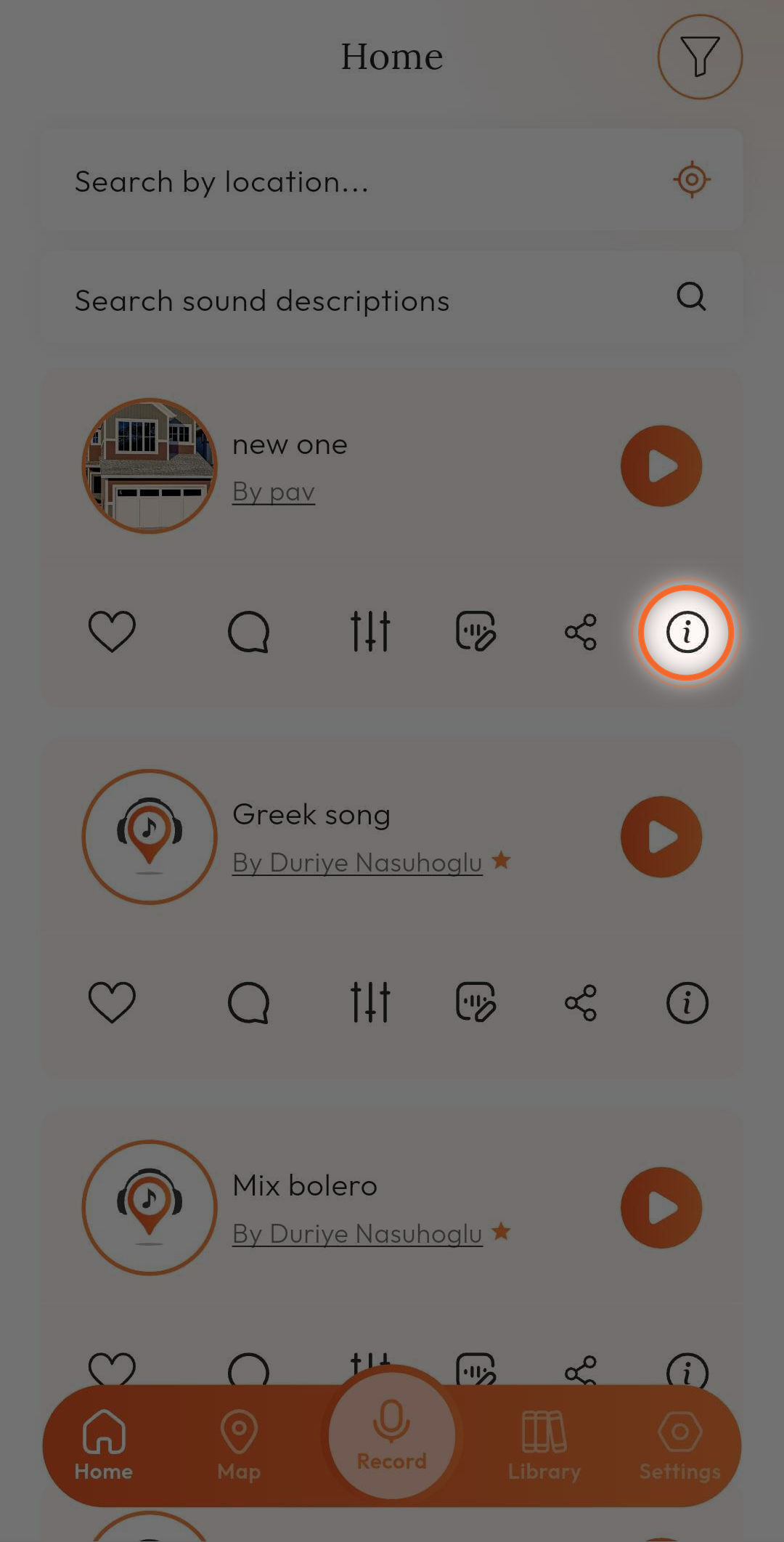
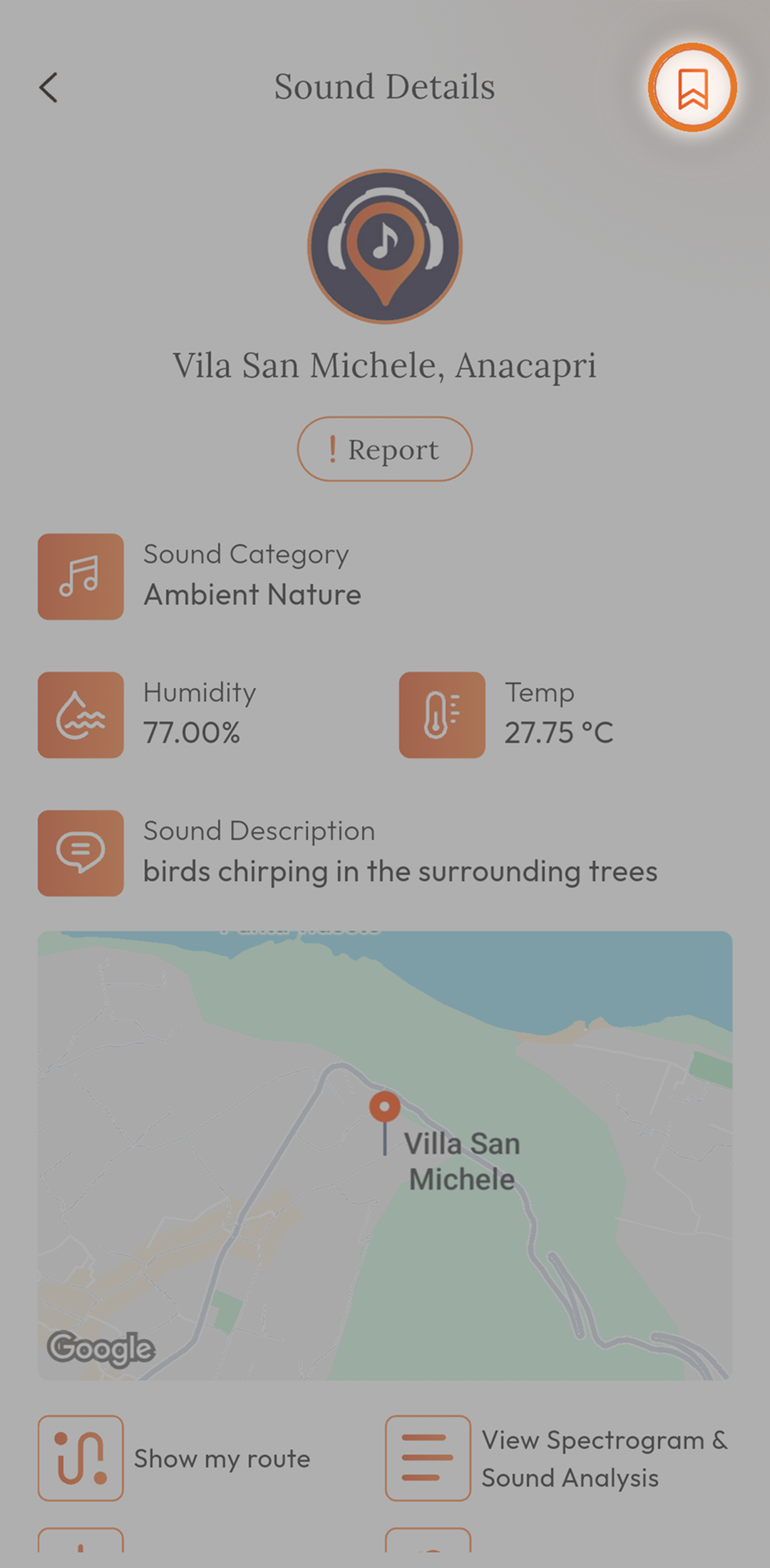
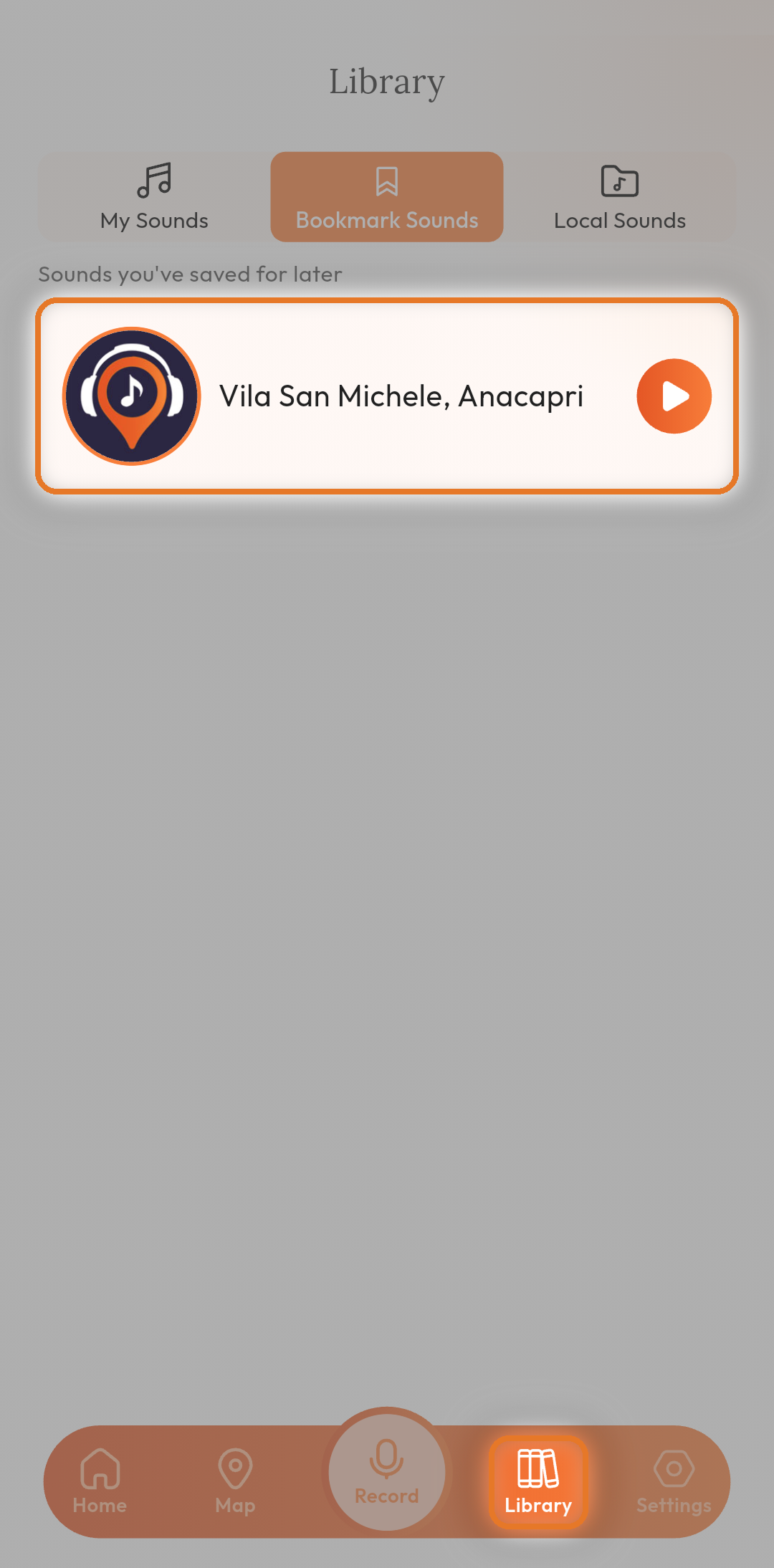
Bookmarked sounds are saved for easy access later and help you build your personal collection.

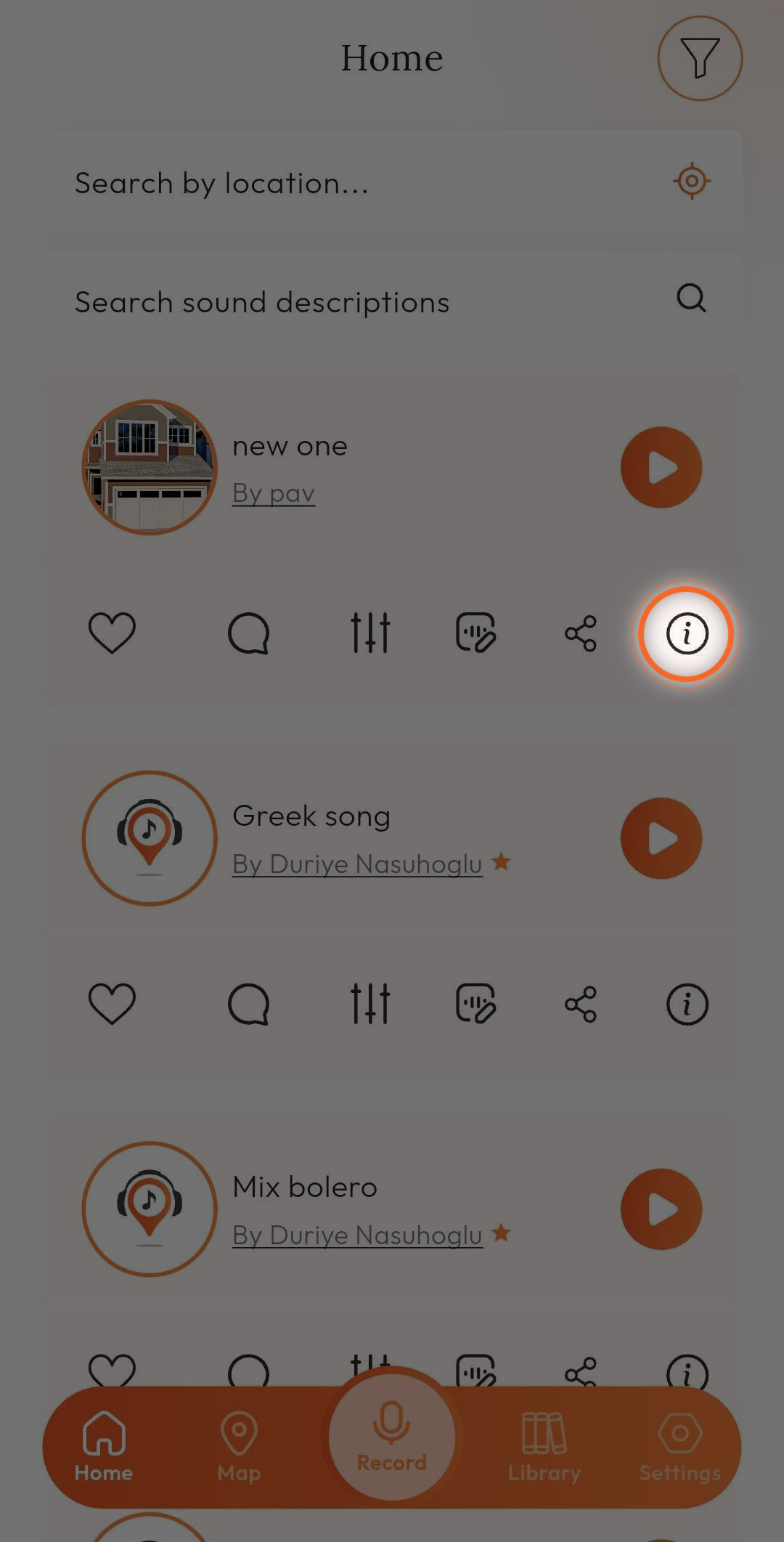
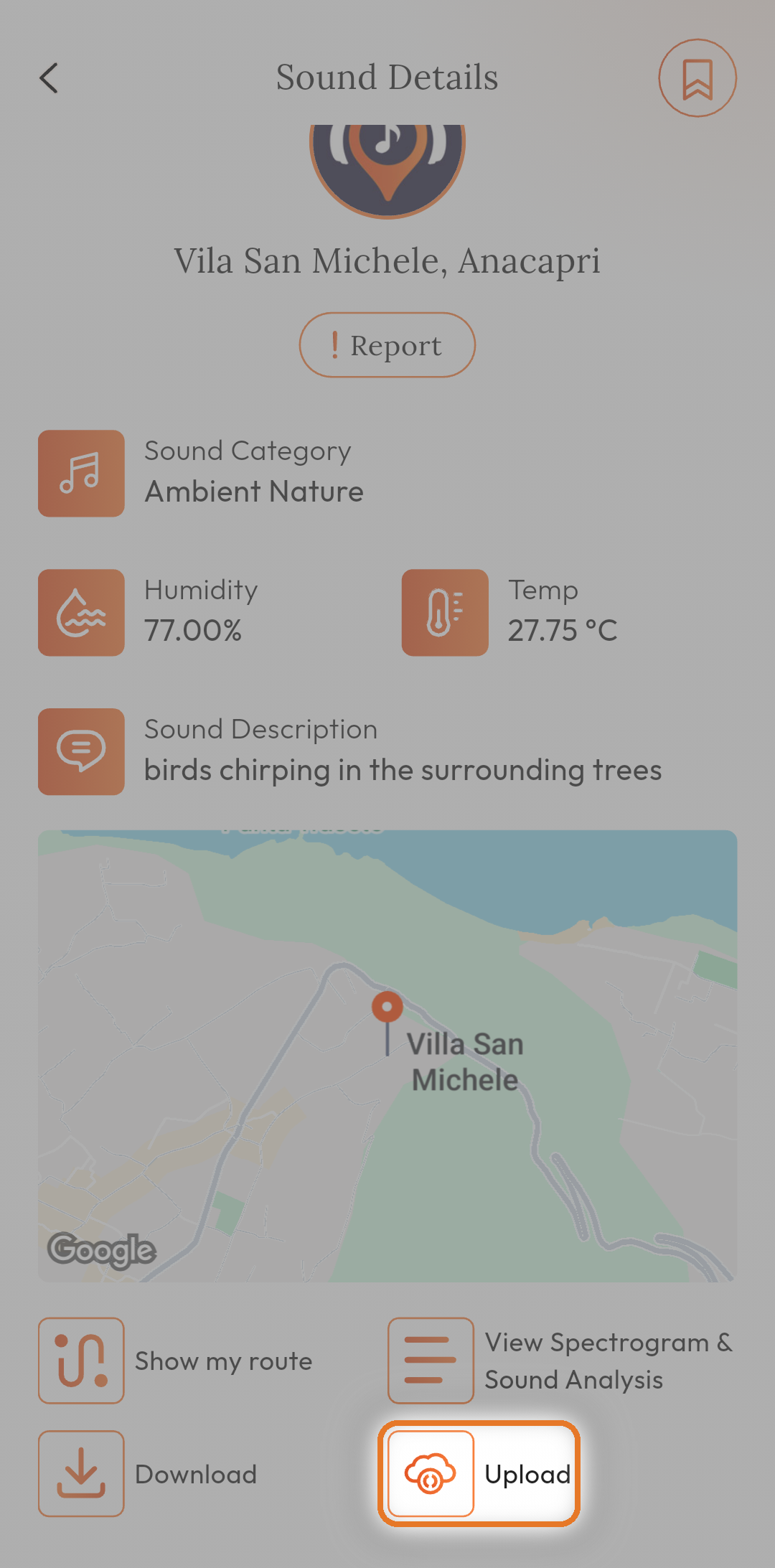
This allows seamless transfer of your recordings between MapMySound and other platforms.

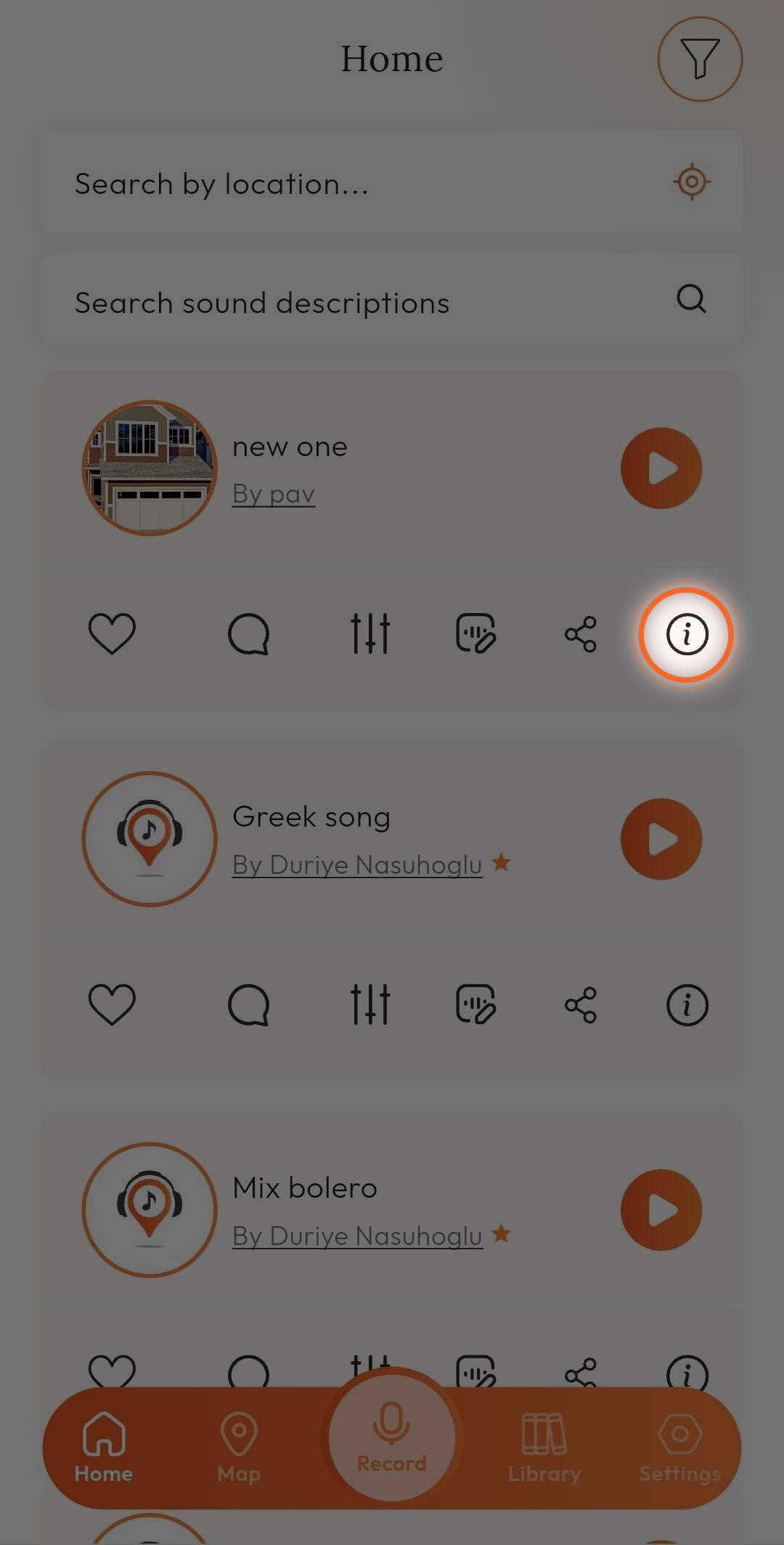
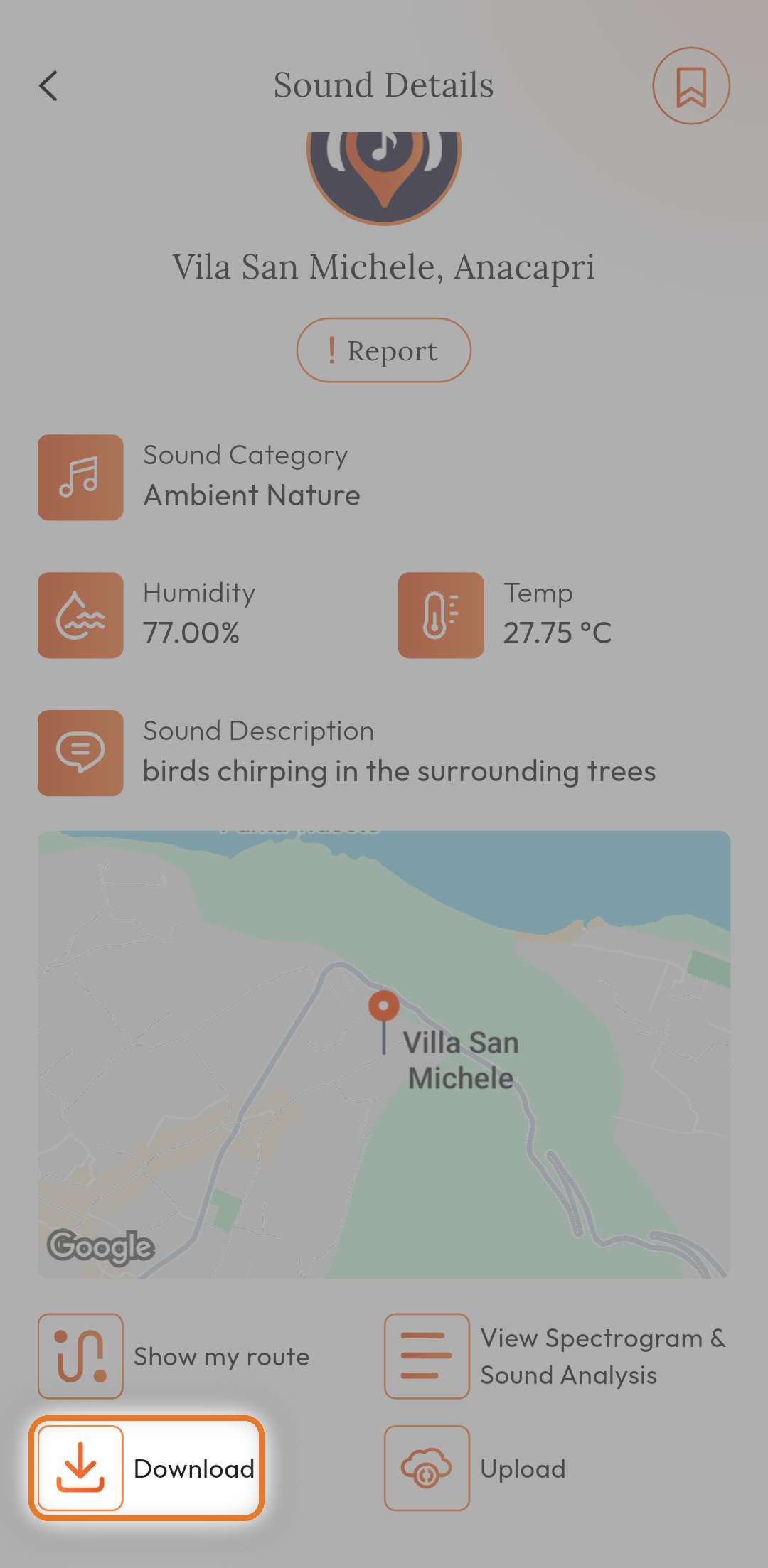
Use this when you want to export a sound for use outside MapMySound.

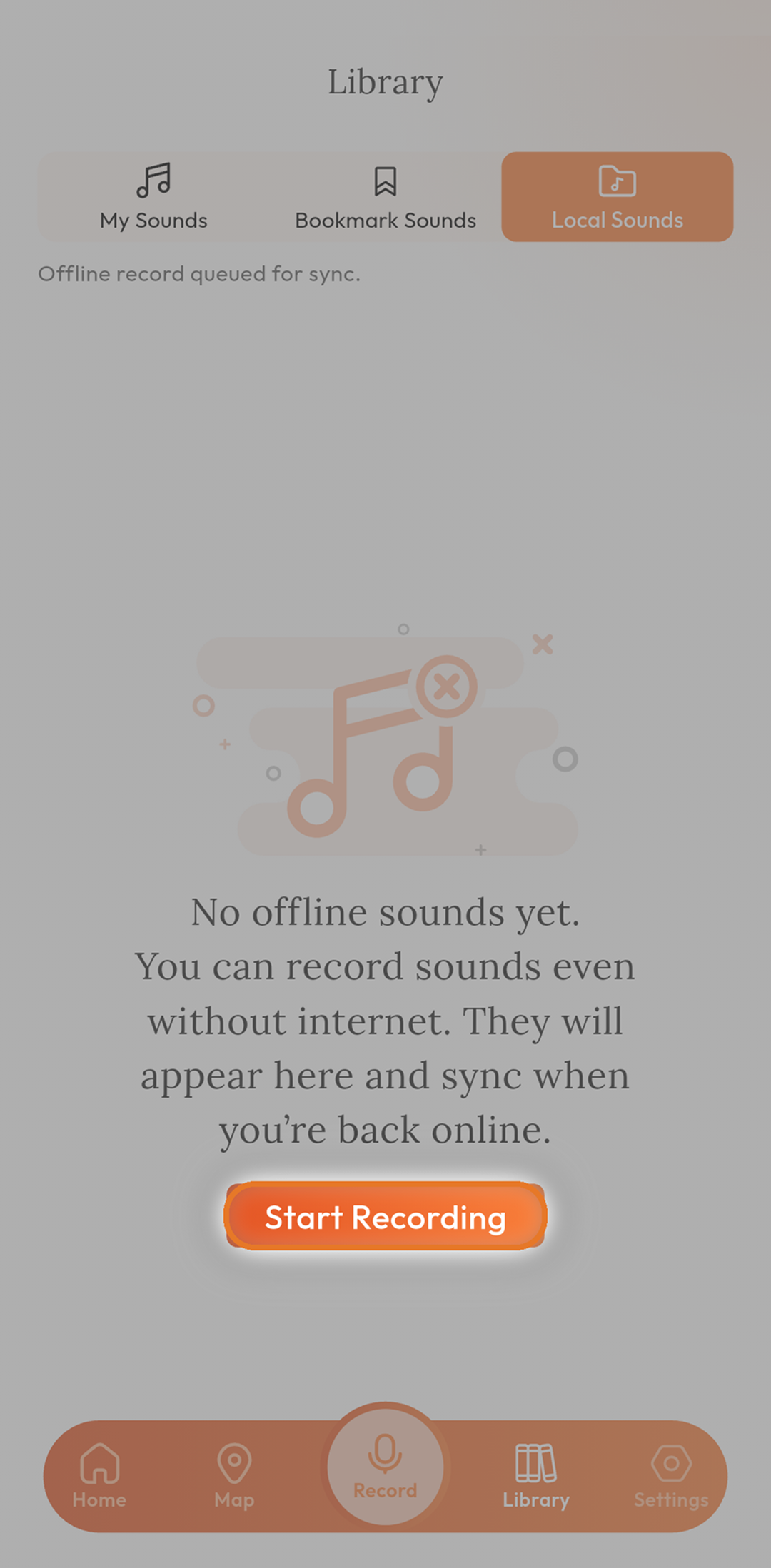

You can continue recording even without the internet. Remember to sync your Local Sounds when online so others can discover them.
MapMySound is a powerful mobile app that lets you record, edit, mix, and share high-quality sounds from anywhere in the world. Pin your recordings to an interactive global map, explore sounds uploaded by the community, view detailed spectrogram analysis, and build your personal sonic library.

Record, edit, mix, and upload up to 10 sounds for free.

Explore the global map and listen to thousands of real-world sounds.

Works offline - record anytime and sync later.
Unlock unlimited uploads and advanced features:

Full Spectrogram & Sound Analysis

Sound Route & Distance tracking

Higher quality exports

Priority support and future features
Thousands of creators, travellers and everyday listeners use MapMySound to capture the world around them. Here's what a few of them say.
MapMySound completely changed how I experience travel. I record ambient sounds everywhere I go — from busy markets in Istanbul to quiet bays in Aegina — and pin them to the map. The spectrogram helps me understand the quality instantly. Best part? It works offline so I never miss a moment. Highly recommend!
As someone studying urban soundscapes, MapMySound is a game-changer. The ability to record, analyze with spectrogram and dB levels, and map everything makes data collection so much easier. The 10 free uploads let me test it thoroughly before upgrading. Excellent tool for researchers and nature lovers.
I love using MapMySound during my morning walks. It’s super easy to record birds or waves, add a quick description, and see it appear on the global map. The mix and append features are fun too. I’ve already bookmarked dozens of peaceful sounds to listen to later. Simple and powerful!


